
Check your State Bank of India account balance in seconds. Whether you prefer a missed call, SMS, mobile app, or net banking, SBI offers multiple ways to access your balance instantly. This guide covers all methods with official numbers and step-by-step instructions for 2026.
Last Updated: April 2026
This is an informational guide. Visit the official SBI website for the latest information.
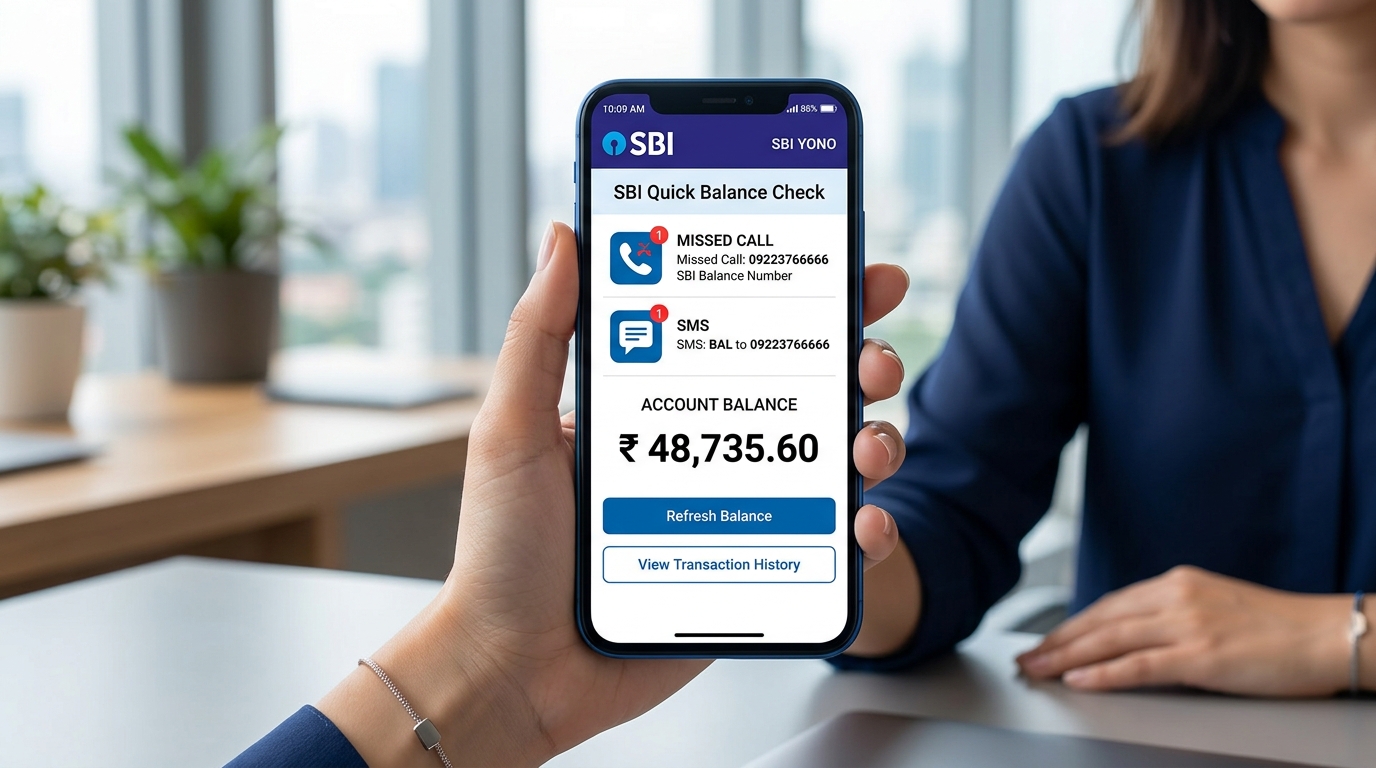
SBI Balance Check Numbers – Quick Reference
| Method | Number/Code | Result |
|---|---|---|
| Missed Call | 09223766666 | Account balance via SMS |
| SMS Banking | BAL to 09223766666 | Account balance via SMS |
| Mini Statement | MSTMT to 09223866666 | Last 5 transactions |
Method 1: SBI Balance Check by Missed Call
The fastest way to check your SBI balance without internet.
Steps:
- Dial 09223766666 from your registered mobile number
- Let it ring once, then disconnect
- Receive balance via SMS within seconds
Important:
- Use only your registered mobile number
- Service is free (standard call charges only)
- Works 24/7 including holidays
Method 2: SBI Balance Check by SMS
For Account Balance:
- Open SMS app
- Type: BAL (in capital letters)
- Send to: 09223766666
- Receive balance via SMS
For Mini Statement (Last 5 Transactions):
- Type: MSTMT
- Send to: 09223866666
- Receive transaction history via SMS
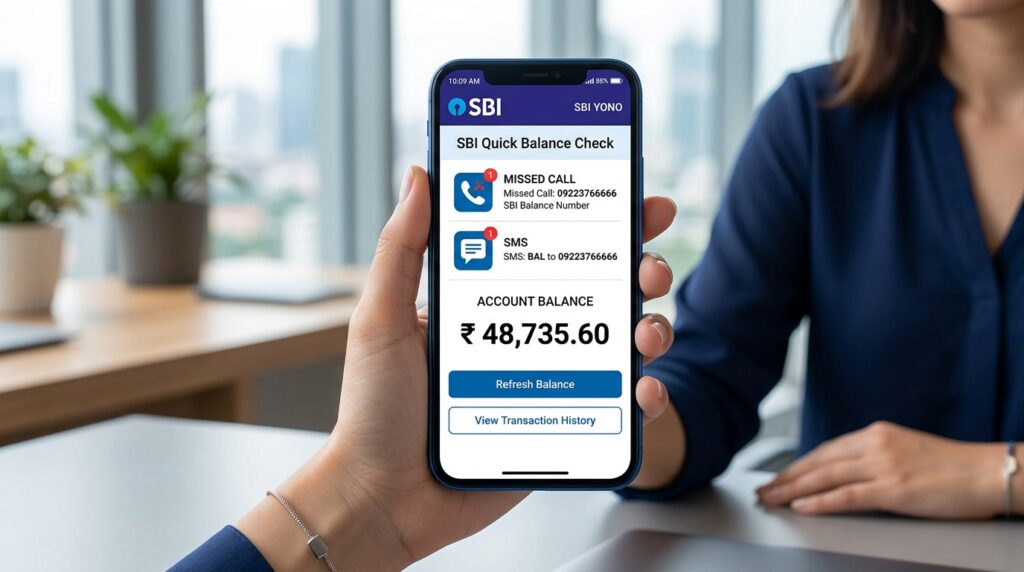
Method 3: Check Balance via SBI YONO App
Use SBI’s official mobile app for real-time balance and full banking features.
- Download SBI YONO from Play Store or App Store
- Register using internet banking credentials or debit card
- Login with username/password or MPIN
- View balance on the home screen
Method 4: Check Balance via SBI Net Banking
- Visit onlinesbi.sbi
- Click “Login” under Personal Banking
- Enter username and password
- Complete captcha verification
- Click “My Accounts” → “Account Summary”
Registration Requirements
For Missed Call and SMS:
- Your mobile number must be registered with your SBI account
- To register: Visit home branch or update via net banking
For SBI YONO:
- Active internet banking account, OR
- SBI debit card + registered mobile number
Troubleshooting
Missed call not working?
- Ensure calling from registered mobile number
- Check if DND is blocking SMS
- Try again after a few minutes
No SMS received?
- Verify mobile number is registered with SBI
- Check network signal
- Ensure SMS inbox is not full
Frequently Asked Questions
Is SBI balance check free?
Yes. SBI does not charge for missed call or SMS balance enquiries. Standard telecom charges may apply.
Can I check from any mobile number?
No. You must use the mobile number registered with your SBI account.
Is there a daily limit?
No official limit, but excessive requests may be temporarily blocked for security.
Can I check without internet?
Yes. Use missed call (09223766666) or SMS (BAL to 09223766666).